Create logos using AI image generation. Discuss style/ratio, generate variations, iterate with user feedback, crop, remove background, and export as SVG.
GEMINI_API_KEYaistudio.google.com/apikey Depends on: nanobanana
logobrandiconfaviconmascotemblemcreate logodesign logo
Quick Install
Example: Creating OPC Skills Logo
User: Create a logo for opc.dev - it's a website for agent skills for one person companies.
Agent: I'll help you create a logo for OPC Skills. Let me ask a few questions first:
- Style preference? (Pixel art, minimalist, 3D, hand-drawn, etc.)
- Aspect ratio? 1:1 square for favicon/icons?
- Color preferences? Monochrome or specific colors?
- Any reference images to draw inspiration from?
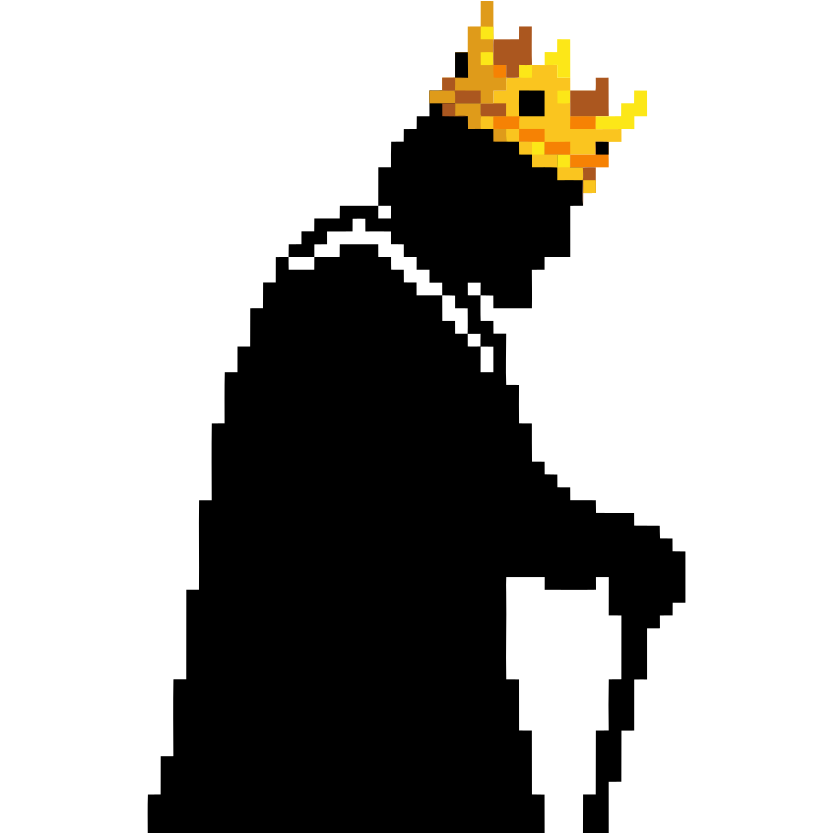
User: Please refer to this pixel art mule logo - I like the 8-bit retro style with black pixels on white background.
Agent: Got it! The reference is a classic pixel art style:
- Black pixels on white background
- 8-bit retro aesthetic
- Simple, recognizable silhouette
I'll generate 20 pixel art logo variations for OPC Skills.
Generating with prompts like:
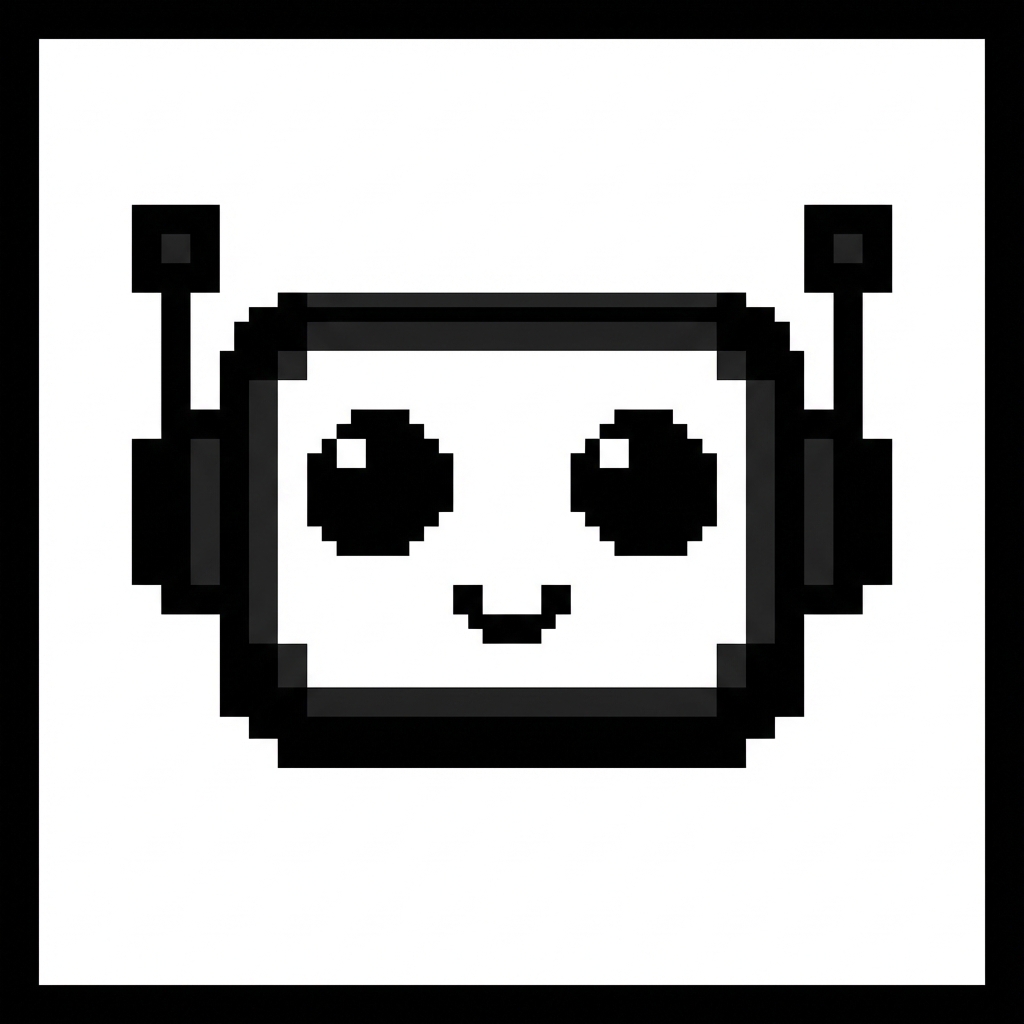
- "Pixel art robot head logo, 8-bit retro style, black pixels on white background"
- "Pixel art crowned person, 8-bit style, solopreneur king"
- "Pixel art lightning bolt, 8-bit, black on white"
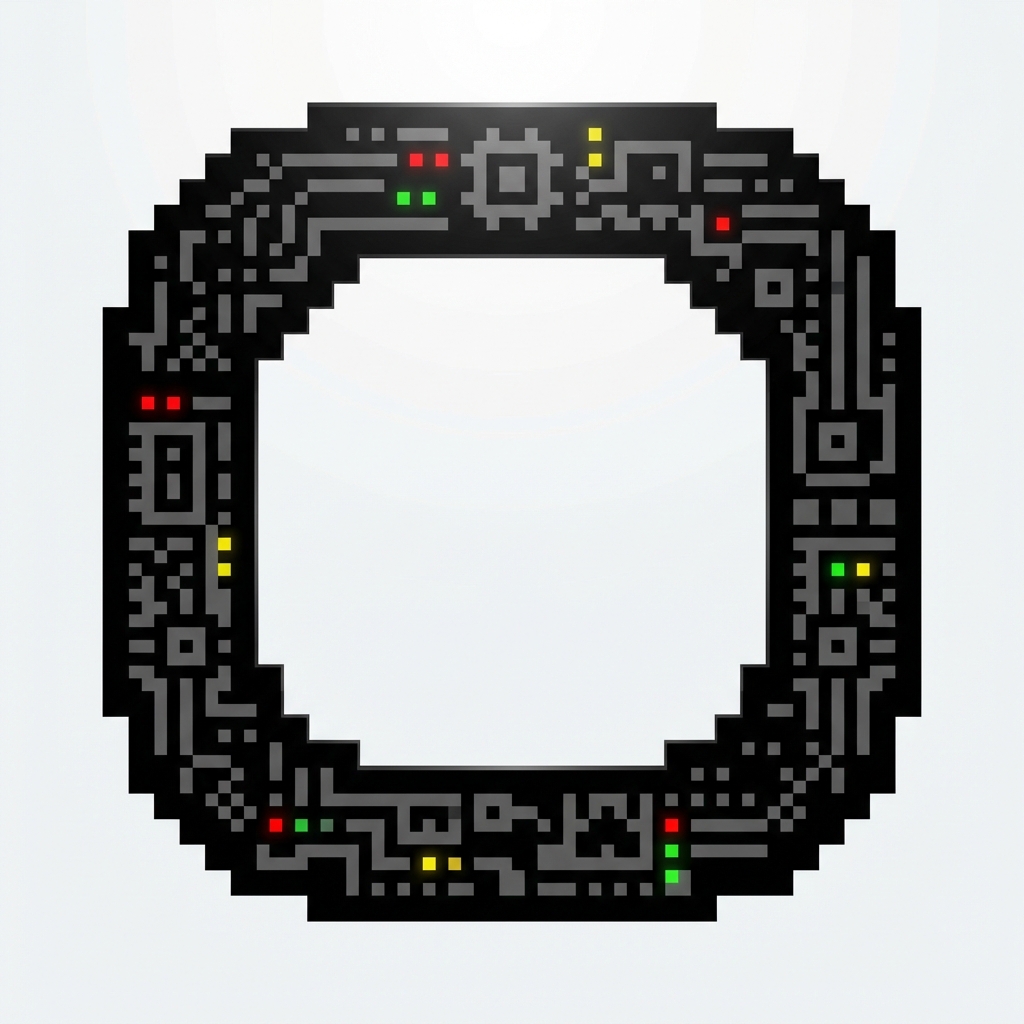
Here are the generated logos:
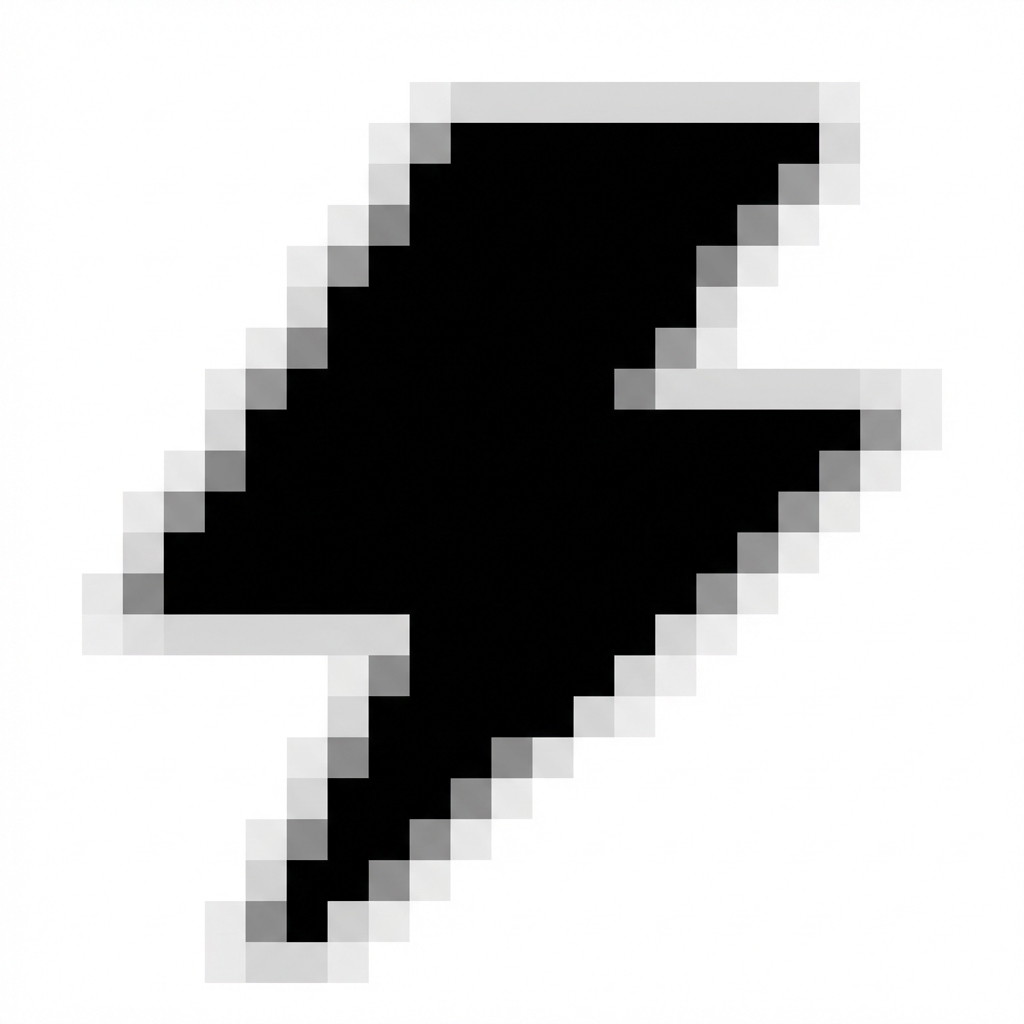
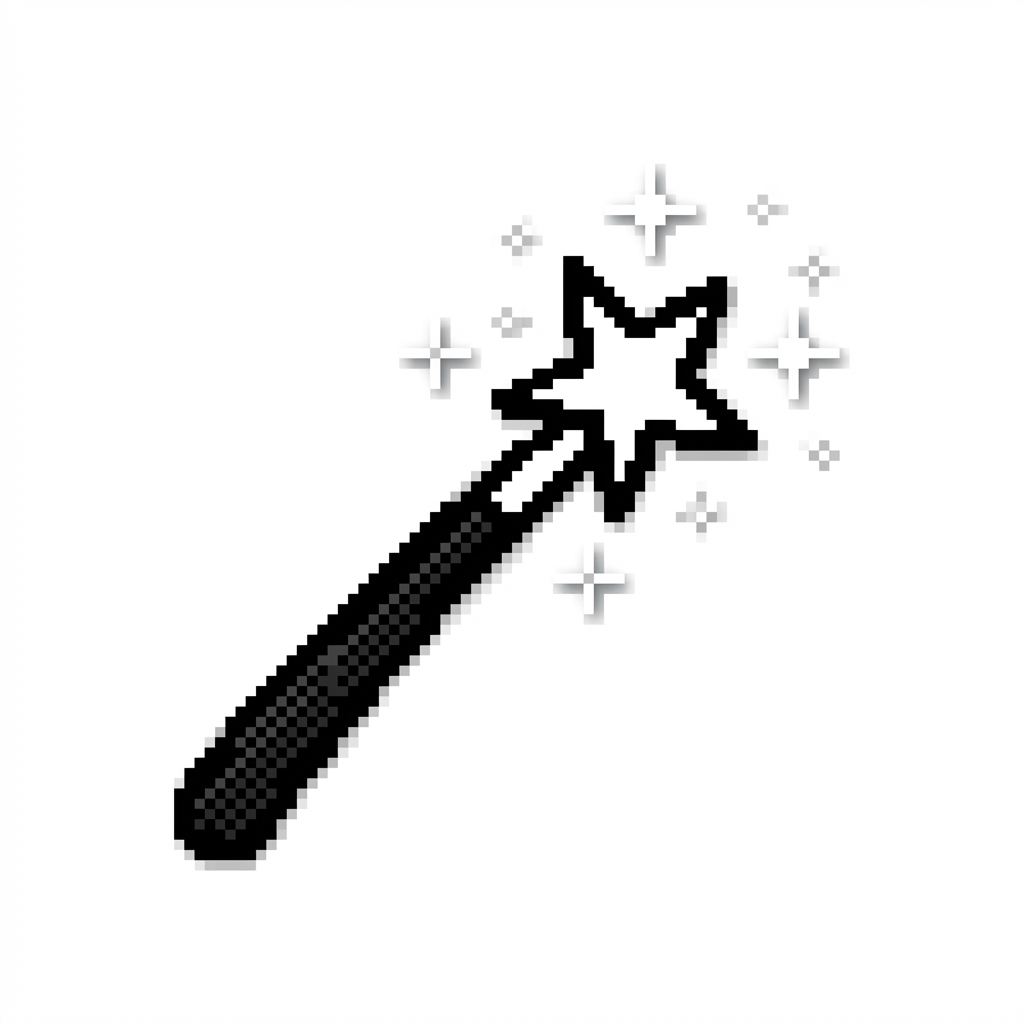
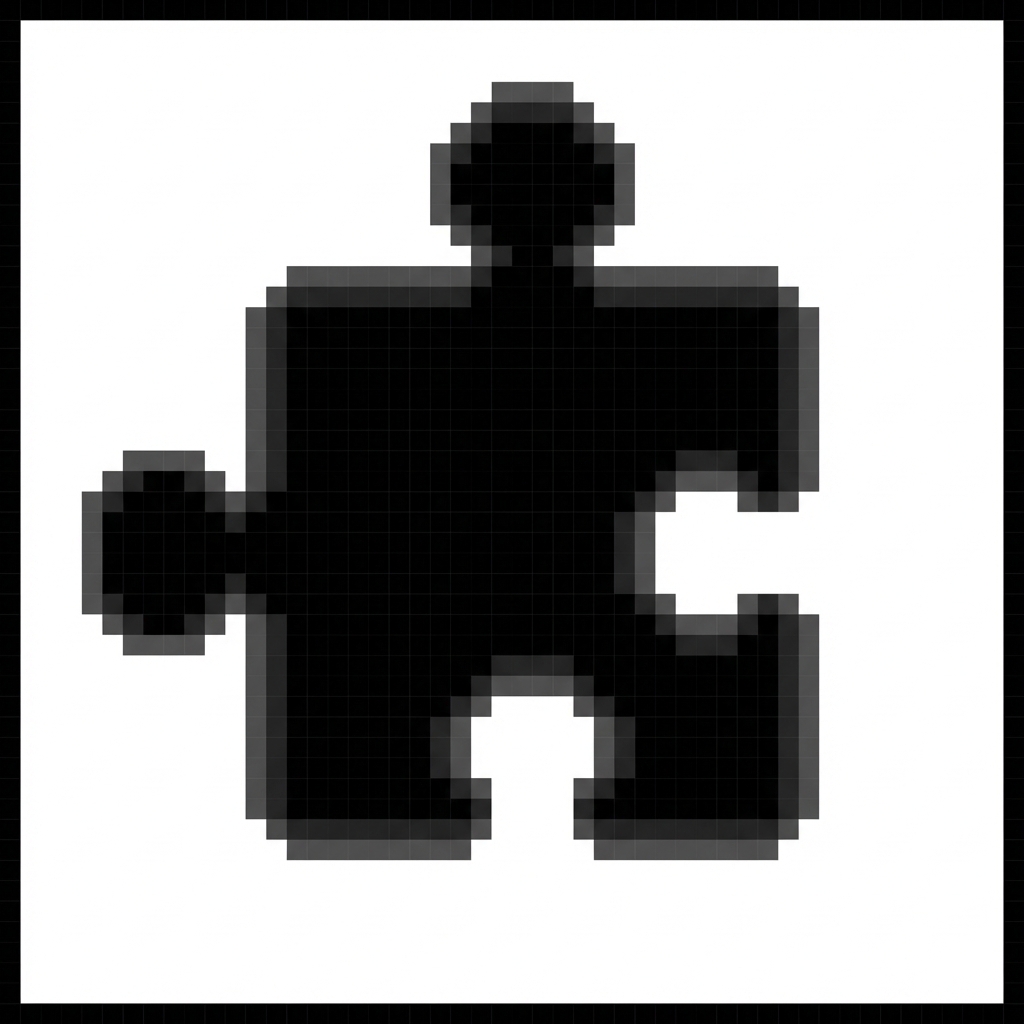
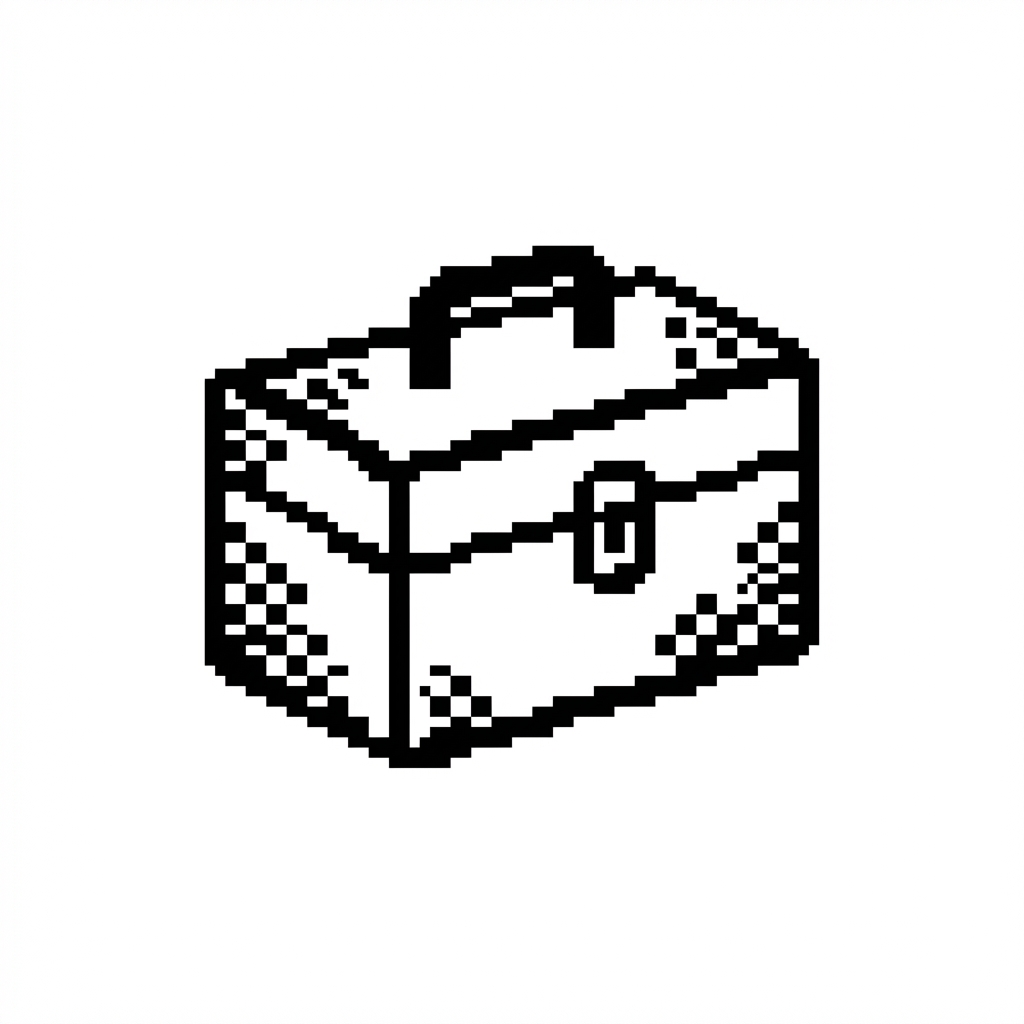
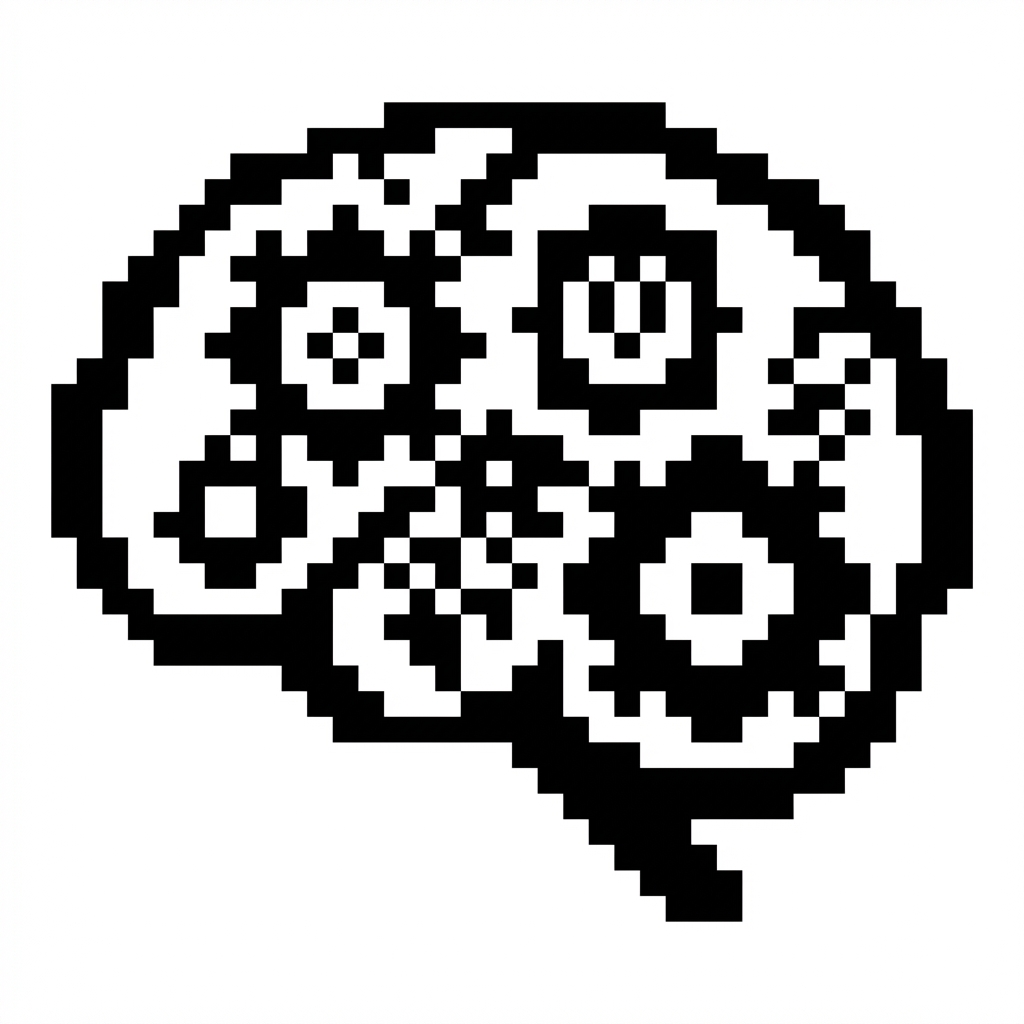
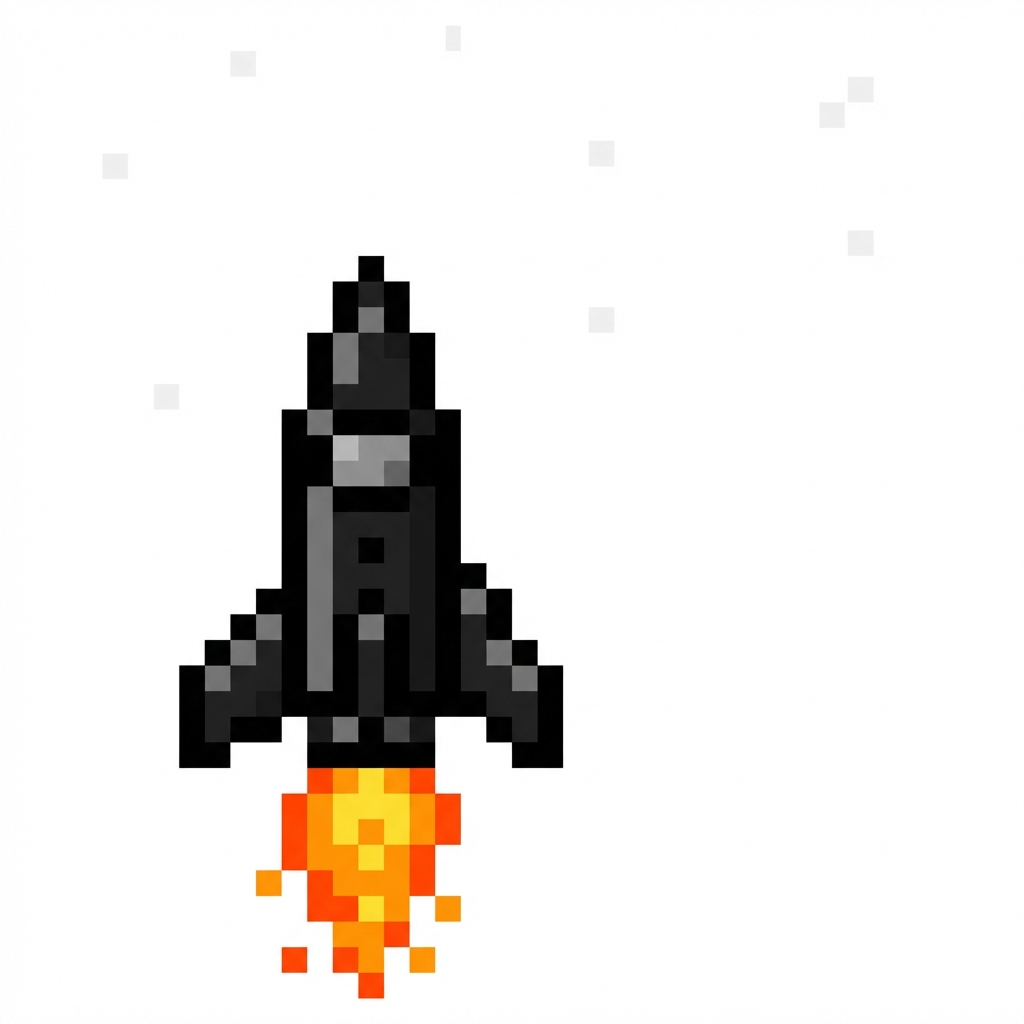
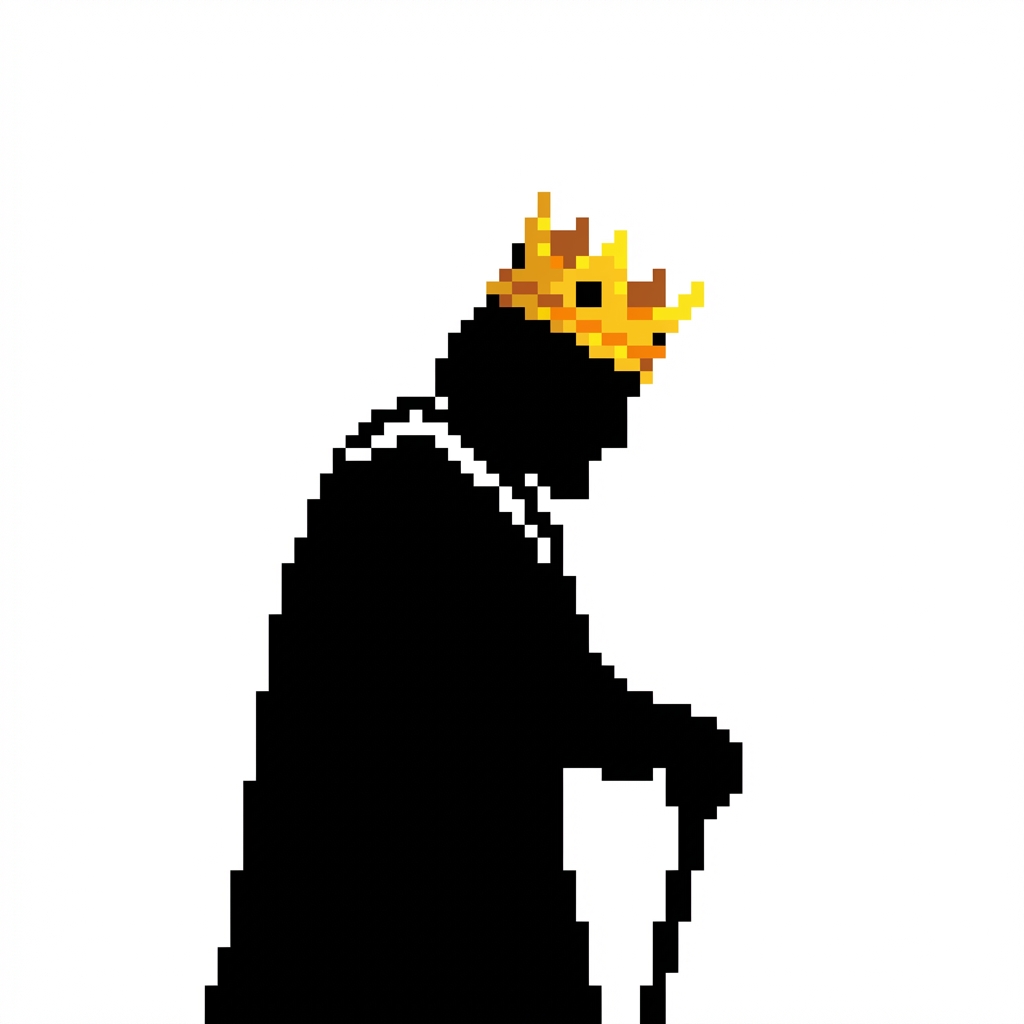
User: I like #09 with the crowned person - it represents "king of your own company". Please create 20 more variations of that concept.
Agent: Generating 20 variations of the "Crowned Person" concept...
Here are the variations:
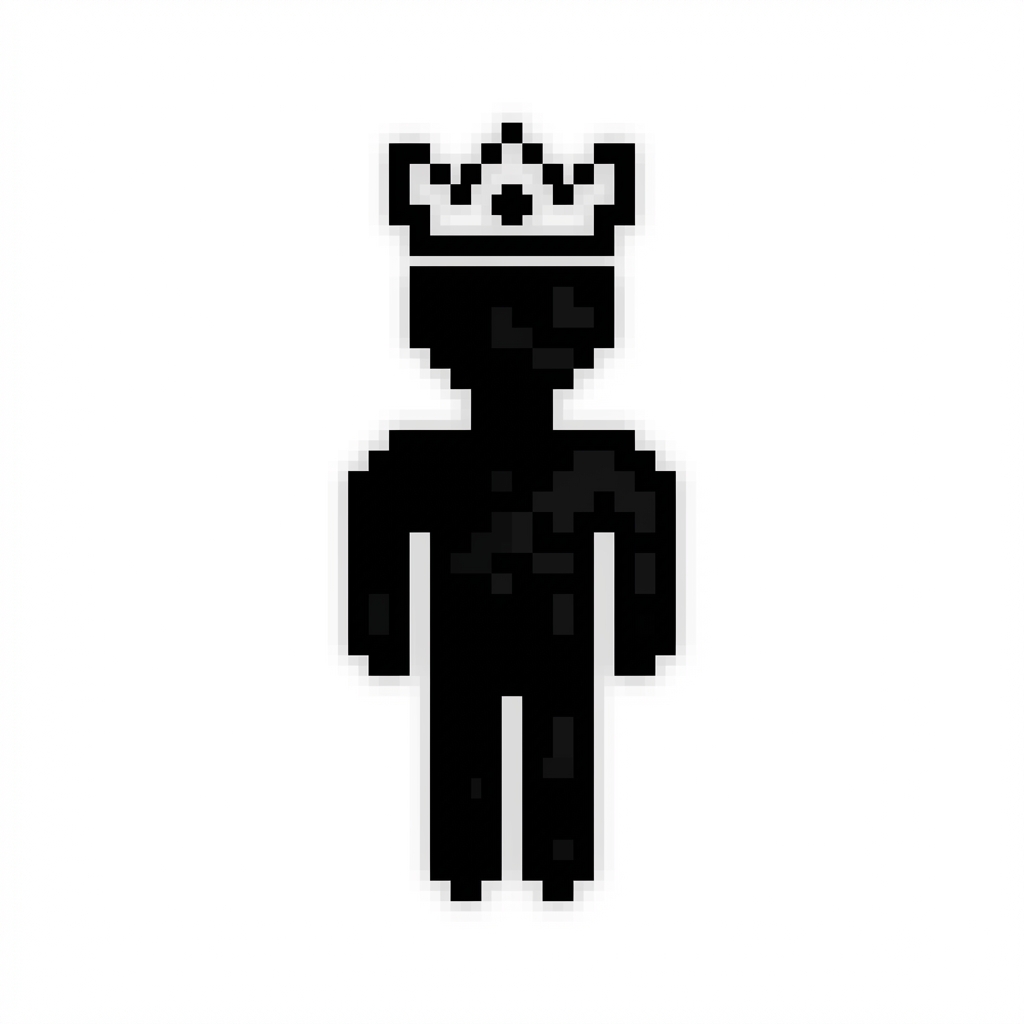
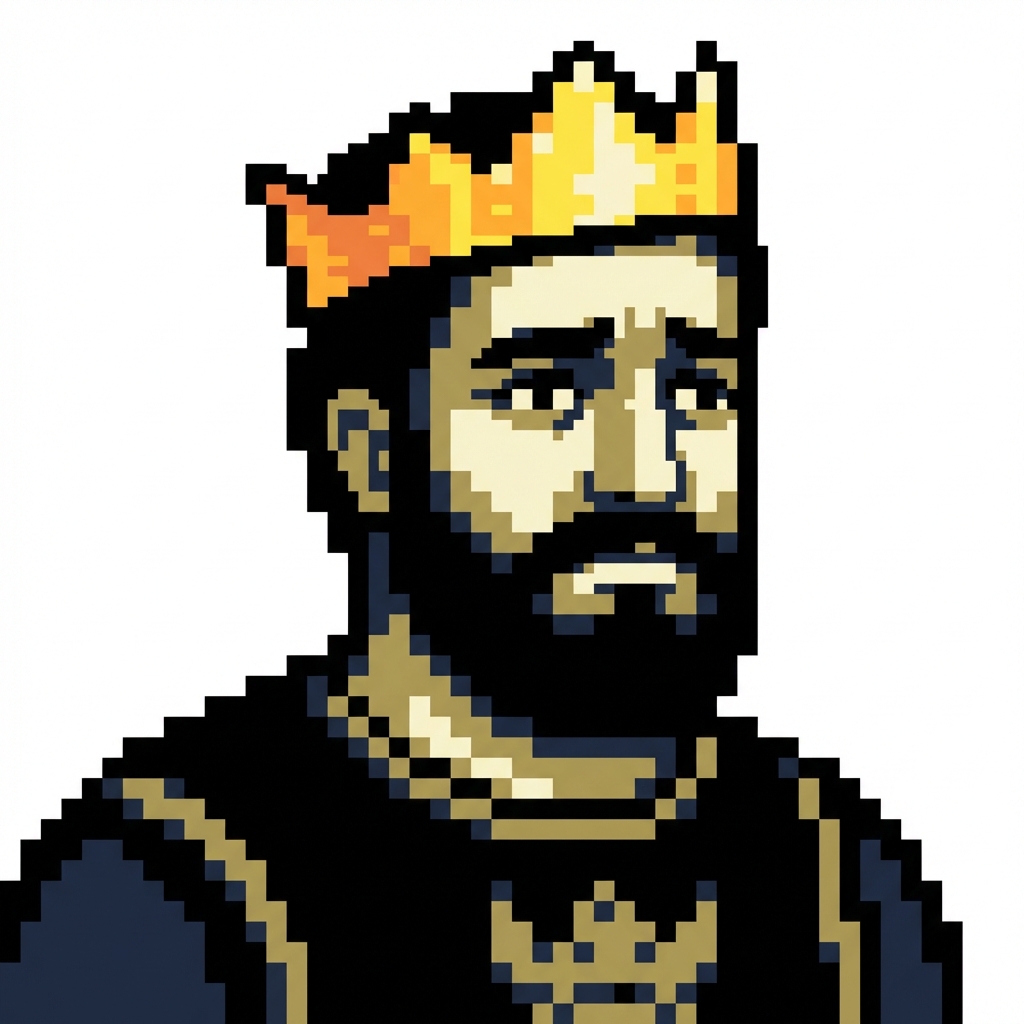
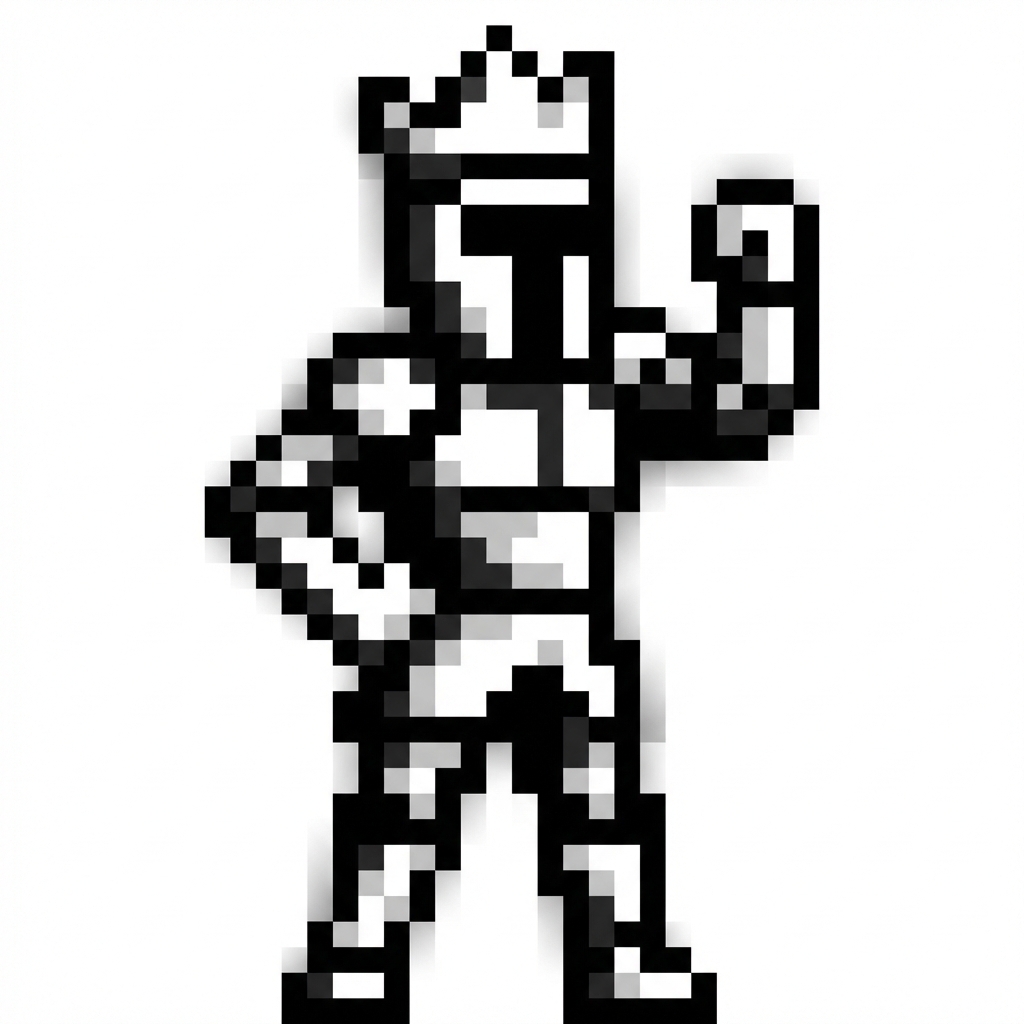
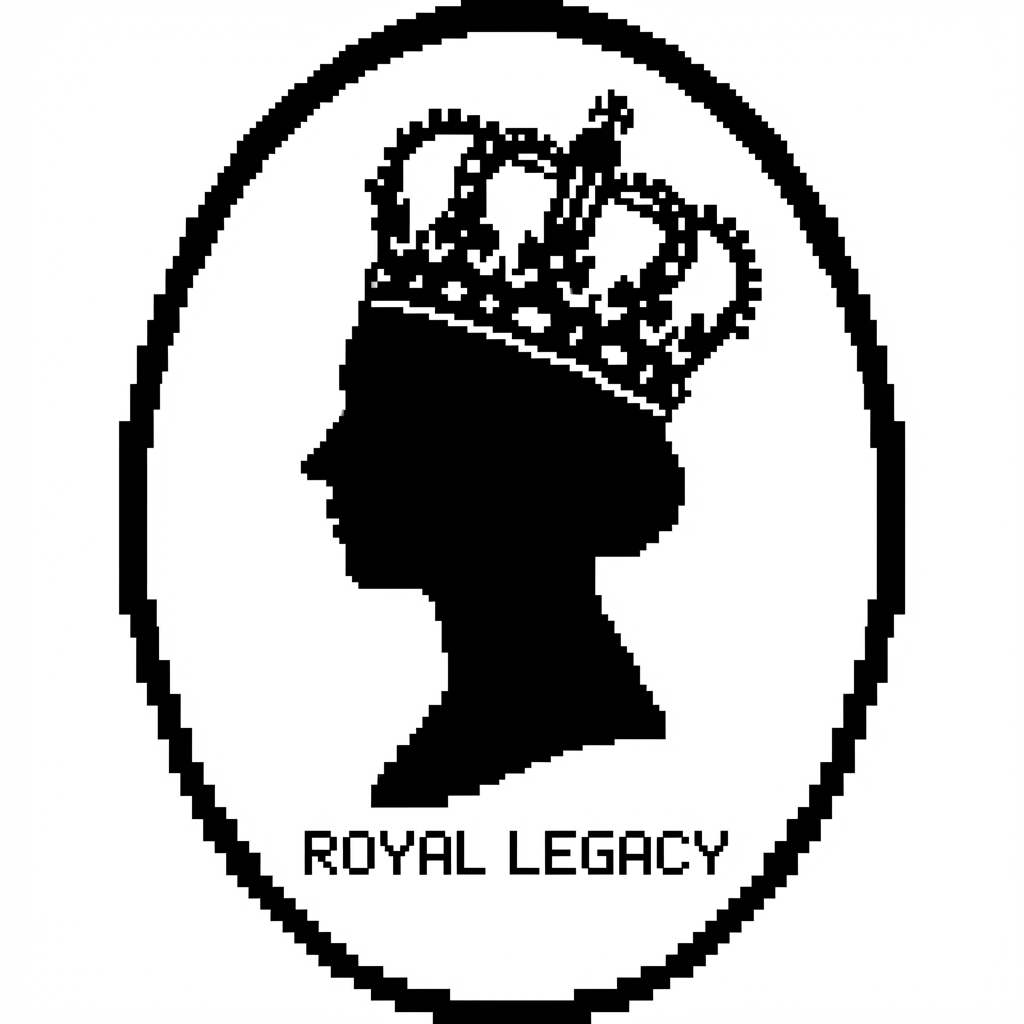
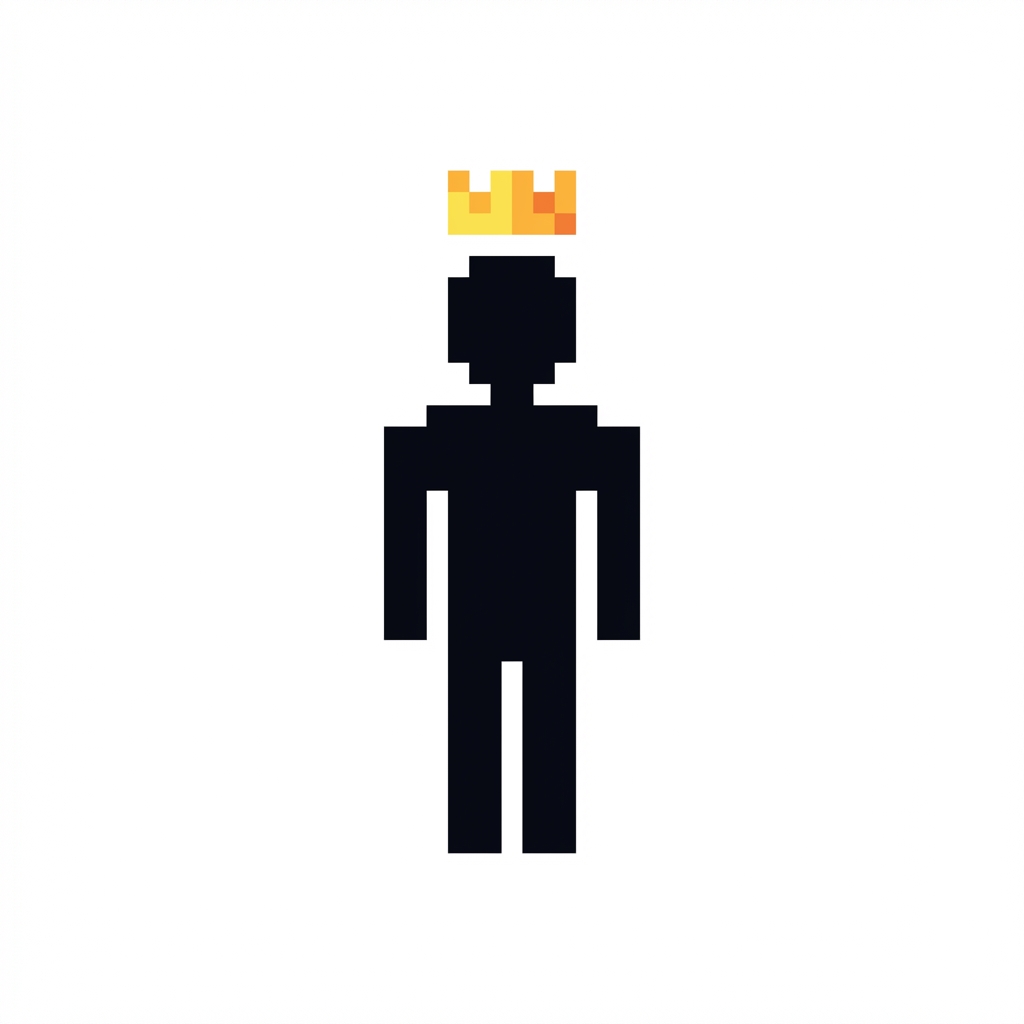
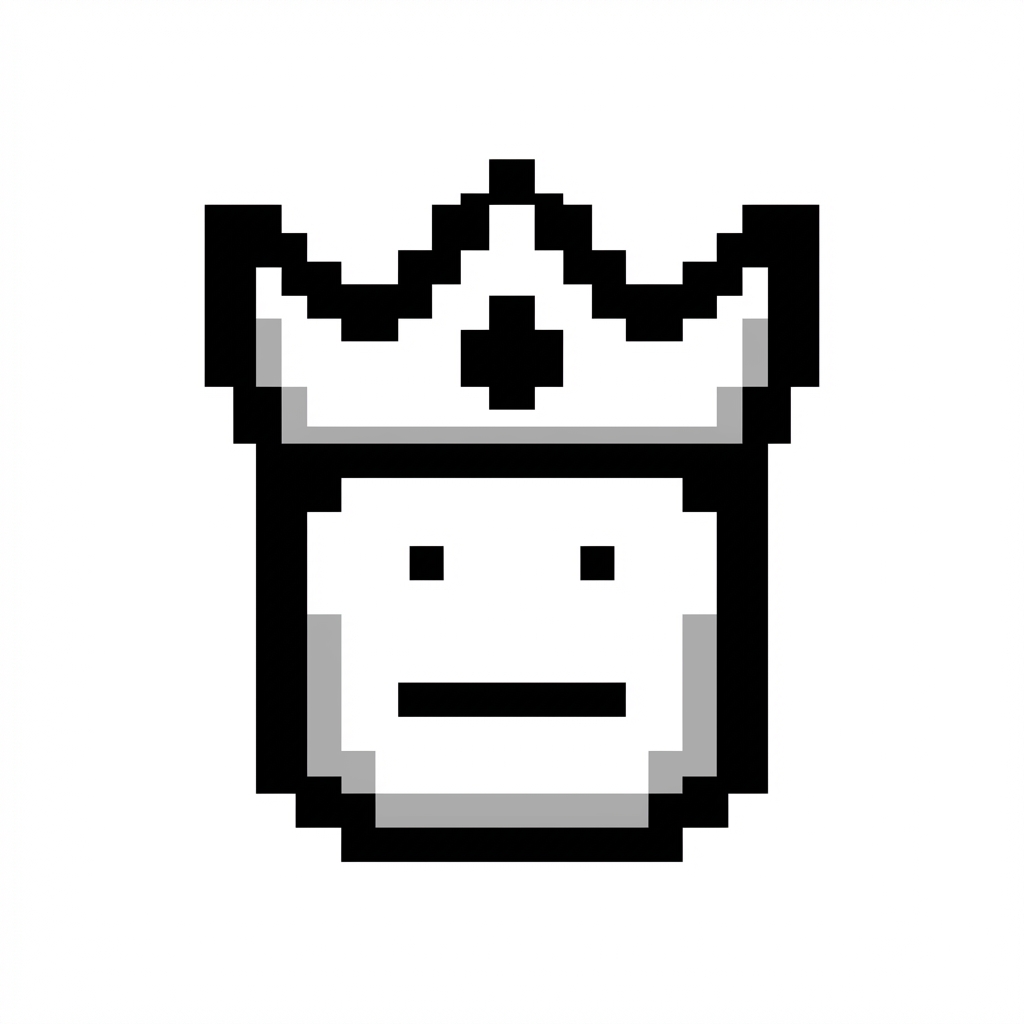
User: The original #09 looks best. Please crop it to fit a 1:1 square, remove background, and convert to SVG.
Agent: Processing the logo through finalization steps:
- Cropping to 1:1 square (removing margins)
- Removing background for transparency
- Converting to SVG for scalability
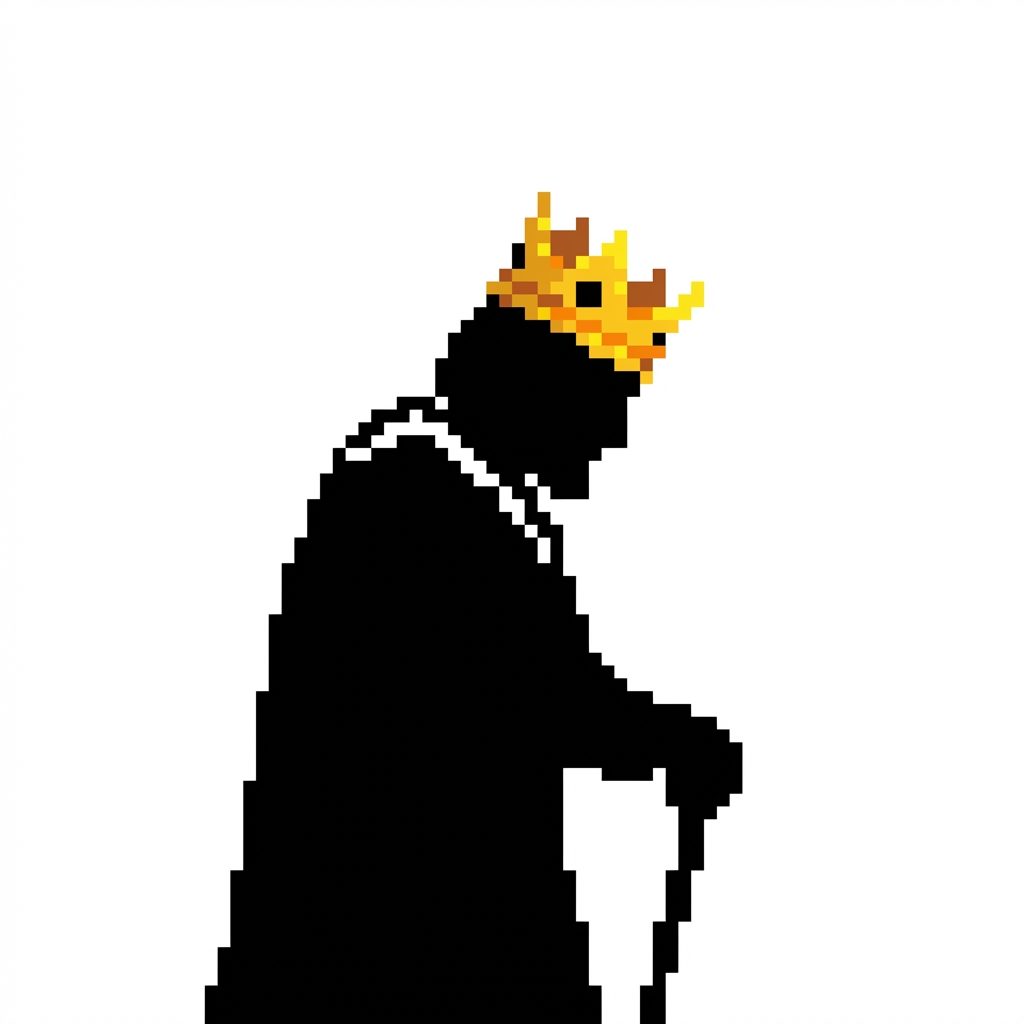
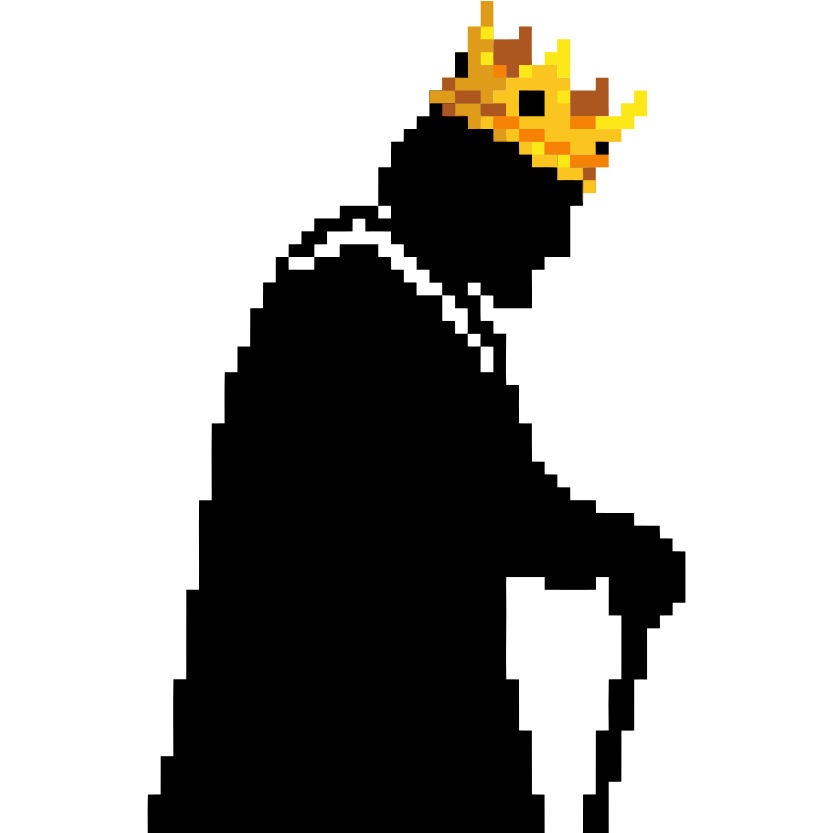
The SVG is now ready for web use, favicons, and print!
Logo Creator Skill
Create professional logos through AI image generation with an iterative design process.
Prerequisites
Required API Keys (set in environment):
GEMINI_API_KEY- Get from Google AI StudioREMOVE_BG_API_KEY- Get from remove.bgRECRAFT_API_KEY- Get from recraft.ai
Required Skills:
nanobanana- AI image generation (Gemini 3 Pro Image)
File Output Location
All generated files should be saved to the .skill-archive directory:
.skill-archive/logo-creator/<yyyy-mm-dd-summaryname>/
Example:
.skill-archive/logo-creator/2026-01-18-opc-logo/
  logo-01.png
  logo-02.png
  ...
  logo-09-cropped.png
  logo-09-nobg.png
  logo-09.svg
  preview.html
Guidelines:
- Use current date in format
yyyy-mm-dd - Add short summary name (project/brand name, kebab-case)
- Create directory before generating first logo
- Keep all variations and iterations in same folder
- Final approved logo should be copied to user's desired location
Workflow
Step 1: Discovery & Requirements
Before generating, gather requirements from user:
Ask about:
Project/Brand name - What is the logo for?
Style preference - See references/styles.md for options:
- Pixel art / 8-bit retro
- Minimalist / flat design
- 3D / isometric
- Hand-drawn / sketch
- Mascot / character
- Monogram / lettermark
- Abstract / geometric
Aspect ratio - Default is 1:1 (square), options:
1:1- Square (favicons, app icons)16:9- Wide (headers, banners)4:3- Standard2:3- Portrait
Color preferences:
- Monochrome (black & white)
- Specific brand colors
- Let AI decide
Reference images - Any existing logos or styles to reference?
Wait for user confirmation before proceeding!
Step 2: Generate Logo Variations
Generate 20 logo variations (default) using the nanobanana skill:
# Generate single logo
python3 <nanobanana_skill_dir>/scripts/generate.py "{style} logo for {brand}, {description}, {colors}" \
  --ratio 1:1 -o .skill-archive/logo-creator/<date-name>/logo-01.png

# Batch generate 20 logos
python3 <nanobanana_skill_dir>/scripts/batch_generate.py "{style} logo for {brand}, {description}, {colors}" \
  -n 20 --ratio 1:1 -d .skill-archive/logo-creator/<date-name> -p logo
Guidelines:
- Use batch_generate.py for multiple variations (includes auto-delay)
- Save to
.skill-archive/logo-creator/<yyyy-mm-dd-summaryname>/directory - Use sequential naming:
logo-01.png,logo-02.png, etc.
Prompt Tips:
- Include style keywords: "pixel art", "minimalist", "8-bit", "flat design"
- Specify colors: "black on white", "monochrome", "blue gradient"
- Add context: "tech startup", "food brand", "gaming company"
- Request format: "icon", "emblem", "mascot", "lettermark"
Step 3: Create HTML Preview
Copy the preview template and open in browser:
cp <skill_dir>/templates/preview.html .skill-archive/logo-creator/<yyyy-mm-dd-summaryname>/preview.html
Then open in default browser:
open .skill-archive/logo-creator/<yyyy-mm-dd-summaryname>/preview.html
IMPORTANT: Update the HTML to include the correct number of logos generated.
Step 4: Iterate with User
Ask user which logos they prefer:
- "Which logos do you like? (e.g., #5, #12, #18)"
- "What do you like about them?"
- "Any changes you'd want?"
Based on feedback:
- Generate 10-20 more variations of favorite styles
- Use naming:
logo-{original}-v{n}.png(e.g.,logo-05-v1.png) - Update HTML preview
- Repeat until user selects final logo
Step 5: Finalize Logo
Once user approves a logo, process it:
5a. Crop whitespace (make 1:1 with no margins):
python3 <skill_dir>/scripts/crop_logo.py {input.png} {output-cropped.png}
5b. Remove background:
python3 <skill_dir>/scripts/remove_bg.py {input.png} {output-nobg.png}
5c. Convert to SVG:
python3 <skill_dir>/scripts/vectorize.py {input.png} {output.svg}
Step 6: Deliver Final Assets
Present final deliverables:
## Final Logo Assets

| File | Description | Size |
|------|-------------|------|
| logo.png | Original | 1024x1024 |
| logo-cropped.png | No margins, 1:1 | ~800x800 |
| logo-nobg.png | Transparent background | ~800x800 |
| logo.svg | Vector (scalable) | ~20KB |

All files saved to: `.skill-archive/logo-creator/<yyyy-mm-dd-summaryname>/`
Copy final logo to user's desired location.
Quick Reference
Common Prompt Patterns
Pixel Art:
Pixel art {subject} logo, 8-bit retro style, black pixels on white background, {size}x{size} grid, minimalist icon
Minimalist:
Minimalist {subject} logo, flat design, clean lines, {color} on white, simple geometric shapes
Mascot:
Cute {animal/character} mascot logo, friendly expression, {style} style, {colors}, suitable for brand icon
Lettermark:
Letter "{letter}" logo, modern typography, {style} design, {colors}, clean professional look
Supported Aspect Ratios
1:1- Square (default for logos)2:3,3:2- Portrait/Landscape3:4,4:3- Standard4:5,5:4- Photo9:16,16:9- Wide21:9- Ultra-wide
References
- references/styles.md - Logo style guide with prompt examples
- examples/opc-logo-creation.md - Full example conversation